Pace


F1 25 telemetry on PS5 and Xbox: a race engineer and a live dash
Your console already sends the same telemetry as the PC version. Pacedex catches it on an Android phone or a Windows PC and turns it into a live dash next to the TV, a race engineer on the radio and a debrief after the flag. Free.
The phone becomes the whole of Pacedex
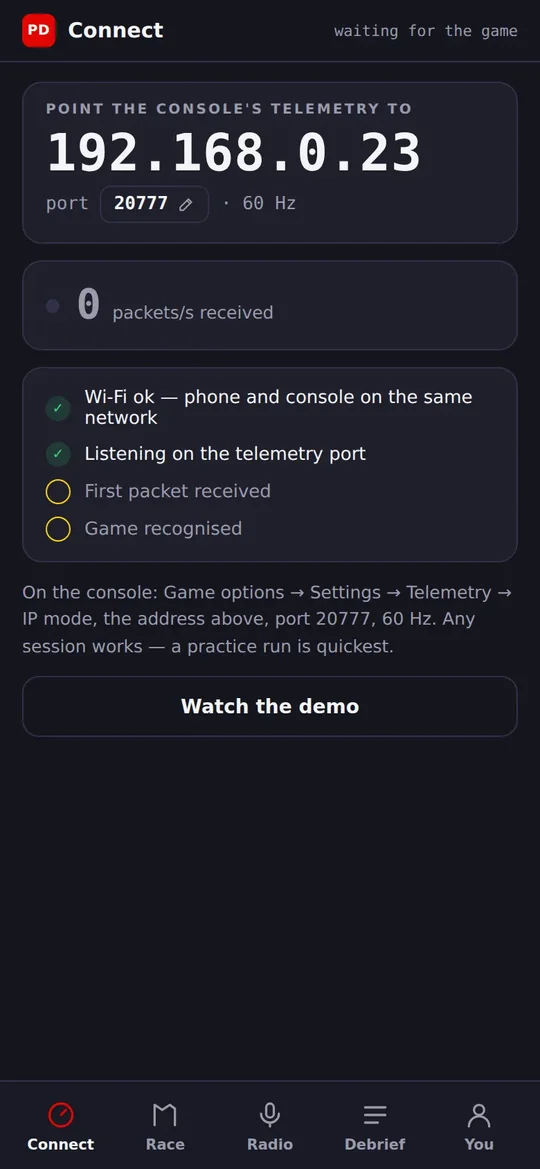
Install it from Google Play, point the console at the IP the app shows, and go out on track. No PC switched on, no cables.
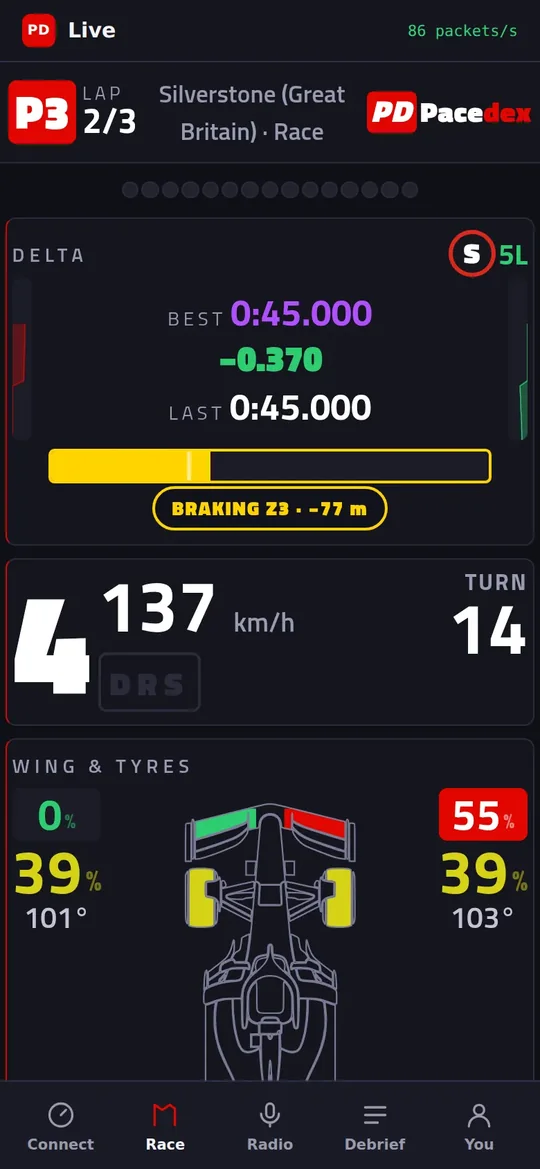
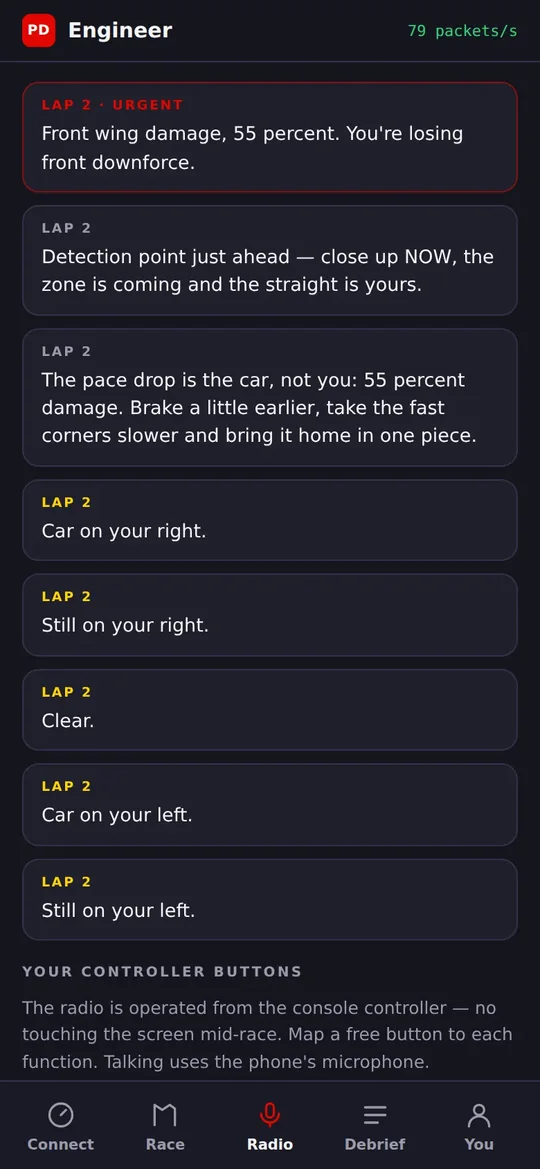
The full app on the PC, the dash beside the TV
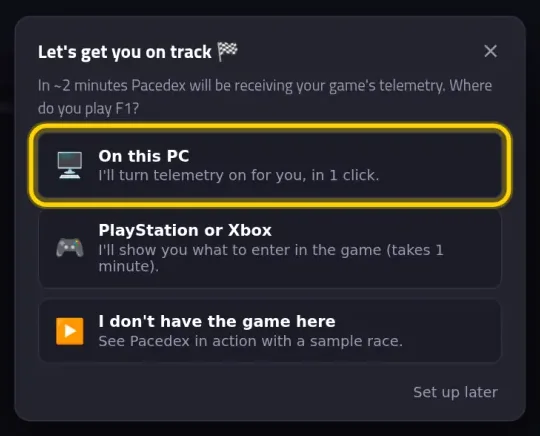
The PC doesn't have to be in the same room — only on the same network. The first-run assistant has a PlayStation or Xbox option that shows this PC's IP and exactly what to type into the game.
What works — and what doesn't
Straight answers, before you install anything.
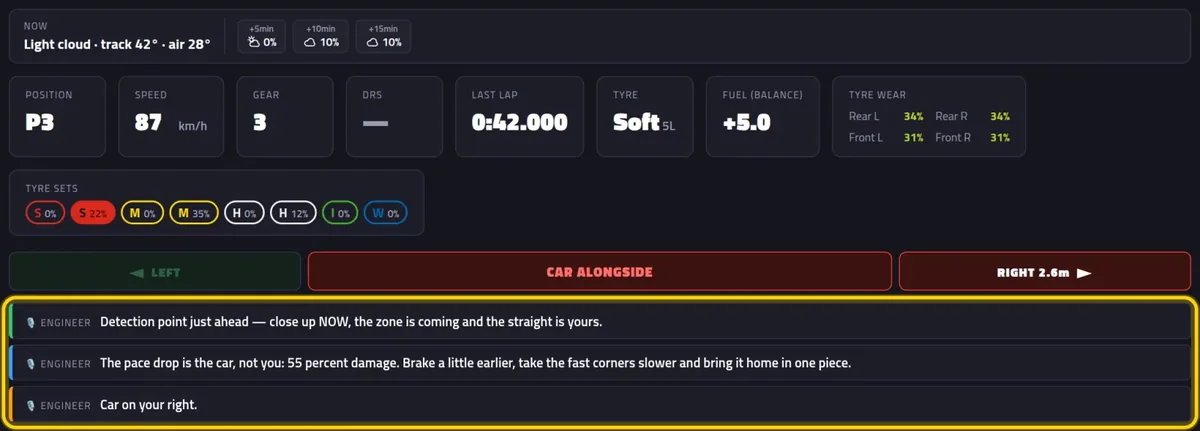
Pit windows from real tyre wear, undercut threats, rain, damage and a spotter for cars alongside — spoken out loud by the phone or the PC, in English, Portuguese, Spanish or Italian.
Map a free button to one of the game's UDP Action slots (they do nothing in-game). Hold it to talk to the engineer with the phone's mic (or a mic on the PC). In the Android app, other buttons ask how you're doing, when to pit or how the tyres are — no mic needed.
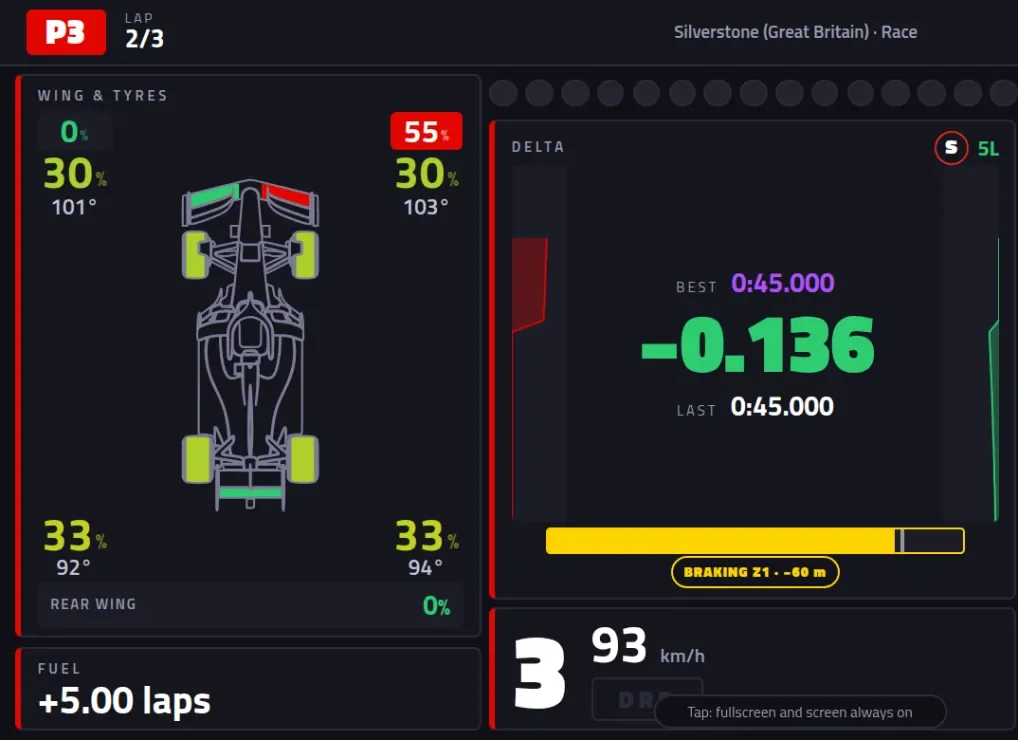
Delta, gear, speed, wing and tyres, plus the car ahead and behind. Turn the phone sideways or use a tablet to see it all at once.
Your result, the time you left on the table and what to practise corner by corner. Every race is saved on your phone or PC.
Drawing over the game is a Windows-only trick, so on console the dash lives on the phone or tablet. Streaming with a capture card? The OBS broadcast overlay works with console telemetry too.
A headset plugged into the console only carries the console's sound. The engineer talks from the phone or the PC — a speaker beside you, or earbuds connected to that device.
Send the console's telemetry in four steps
The game remembers it. Next time you just switch on and race.
Install Pacedex where it will listen
On an Android phone, from Google Play. Or on a Windows PC, with the free installer.
Write down the IP it shows
The app opens on Connect with the phone's IP. On the PC, the assistant's PlayStation or Xbox option shows the PC's IP. The port is 20777.
In F1, open Settings → Telemetry Settings
In UDP IP Address, type the IP from step 2, dot by dot. UDP Format is your game's year.
Go out on track
The game sends nothing from the menus — a practice session is the quickest test. The packet counter turns green and the dash comes alive. Nothing arriving? The console and the phone or PC must be on the same network (a guest Wi-Fi keeps them apart).
Step by stepThe full phone tutorial, with every screen →
Every telemetry setting explained (PC, PS5 and Xbox) →
Frequently asked
Can I see an overlay on top of the game on PS5 or Xbox?
No. An overlay is a window drawn on top of the game, and only a Windows PC running the game can do that. On console, the same information goes on a phone or tablet next to the TV: the live dash with delta, tyres, wing and the cars around you.
Will I hear the engineer in my controller headset?
No. A headset plugged into the console only carries the console's audio. The engineer speaks through the device running Pacedex: the phone (its speaker or headphones connected to it) or the PC. Some wireless headsets can connect to the console and to a phone or PC at the same time; with one of those you hear both.
Do I need a PC?
No. The Android app receives the telemetry straight from the console over your home network and does everything on the phone: dash, radio and debrief. With a Windows PC you get the full app, and the dash also opens in any phone's browser, iPhone included.
Is it free?
Yes. Pacedex is free on Windows and on Android, with no account required. The race engineer's radio calls are built in and offline. Only asking questions by voice uses an AI model: there is a free daily allowance, or you can plug in your own key.
Does it work on iPhone?
Not as a standalone app yet. If Pacedex runs on a Windows PC, the iPhone opens the live dash in Safari from a QR code. Receiving the console directly on the phone is Android only for now.
Which games work?
F1 24, F1 25 and the F1 25: 2026 Season Pack. The console versions send the same UDP telemetry as the PC version.
Get Pacedex for your console races
Free · no account. Android app straight from the console, or the full app on a Windows PC.