 Pace


Tutorials
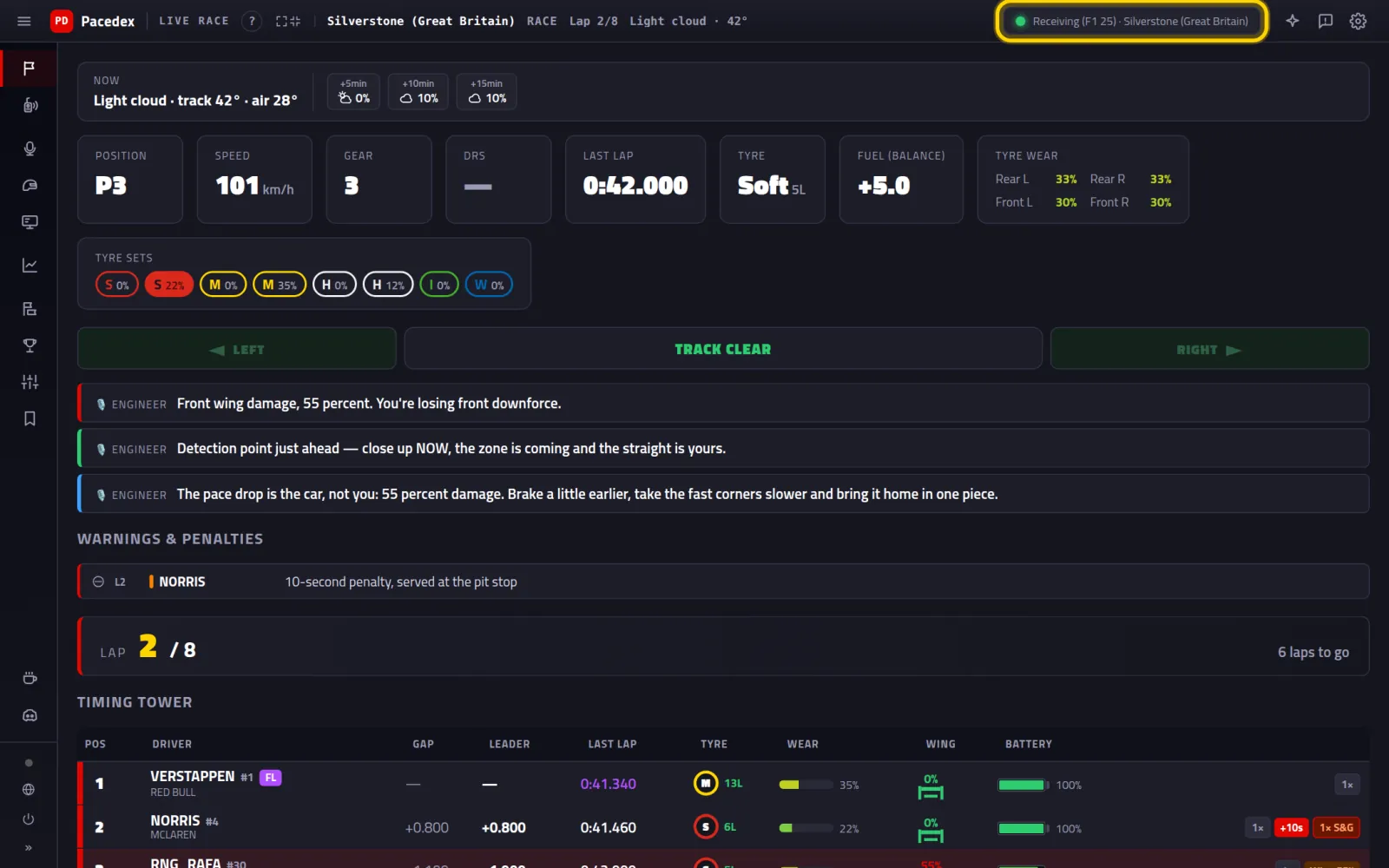 Your first race: from download to the engineer on the radioInstall Pacedex, switch the F1 game's telemetry on in 1 click, check it with the demo, hit the track and hear your race engineer.Open tutorial →
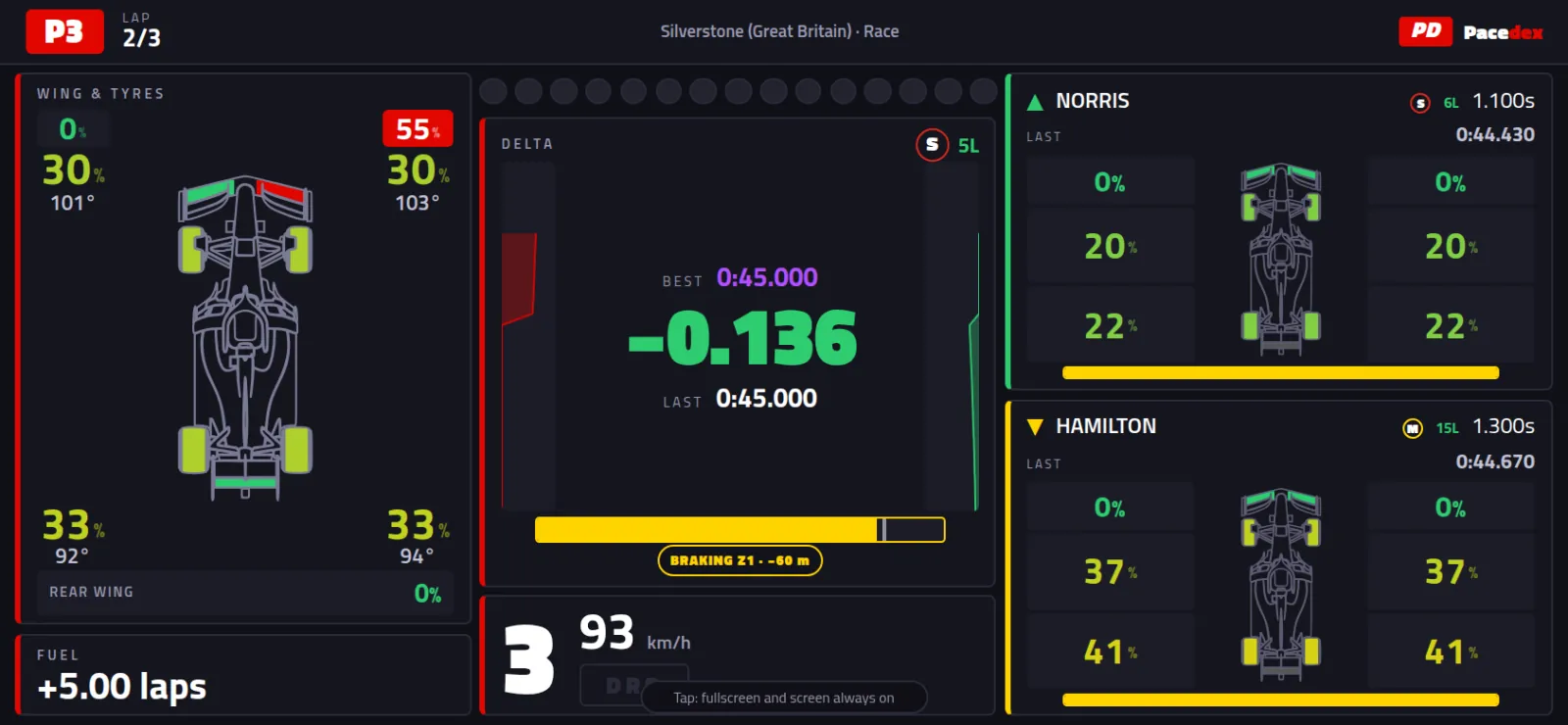 Your race dash on your phoneHook your phone up to Pacedex on your PC with a QR code, or install the Android app and send console telemetry straight to the phone.Open tutorial →
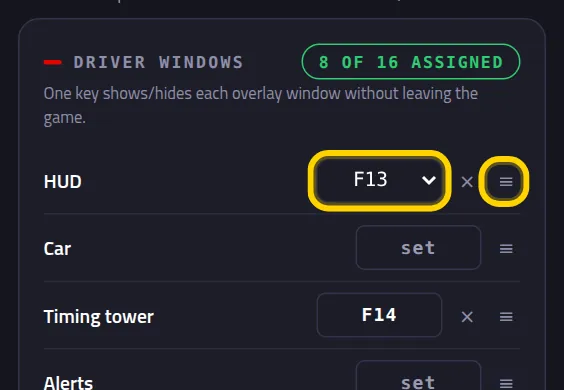 Control Pacedex without taking your hands off the wheelPut overlay windows, tower columns, the race engineer and the steward on a wheel button, a Stream Deck (F13–F24) or a console button (UDP Action).Open tutorial →
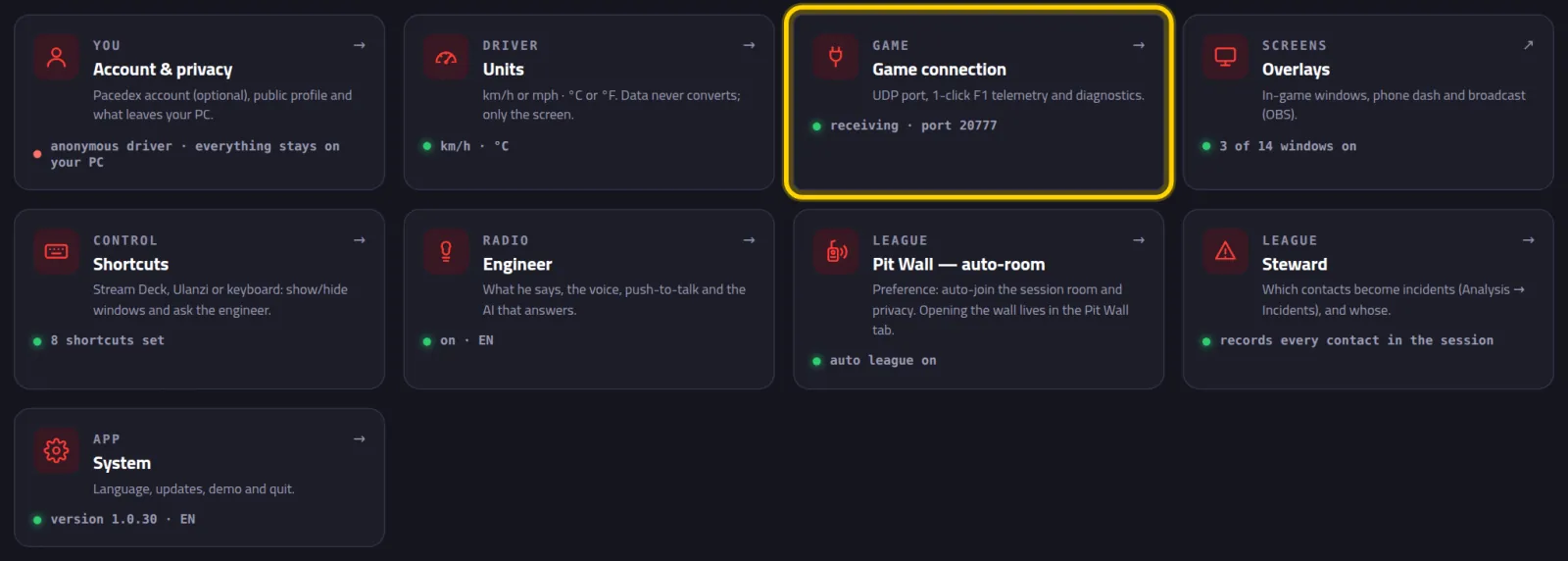 Pacedex alongside SimHub, MOZA Pit House or another PCThe F1 game sends telemetry to a single port.Open tutorial →
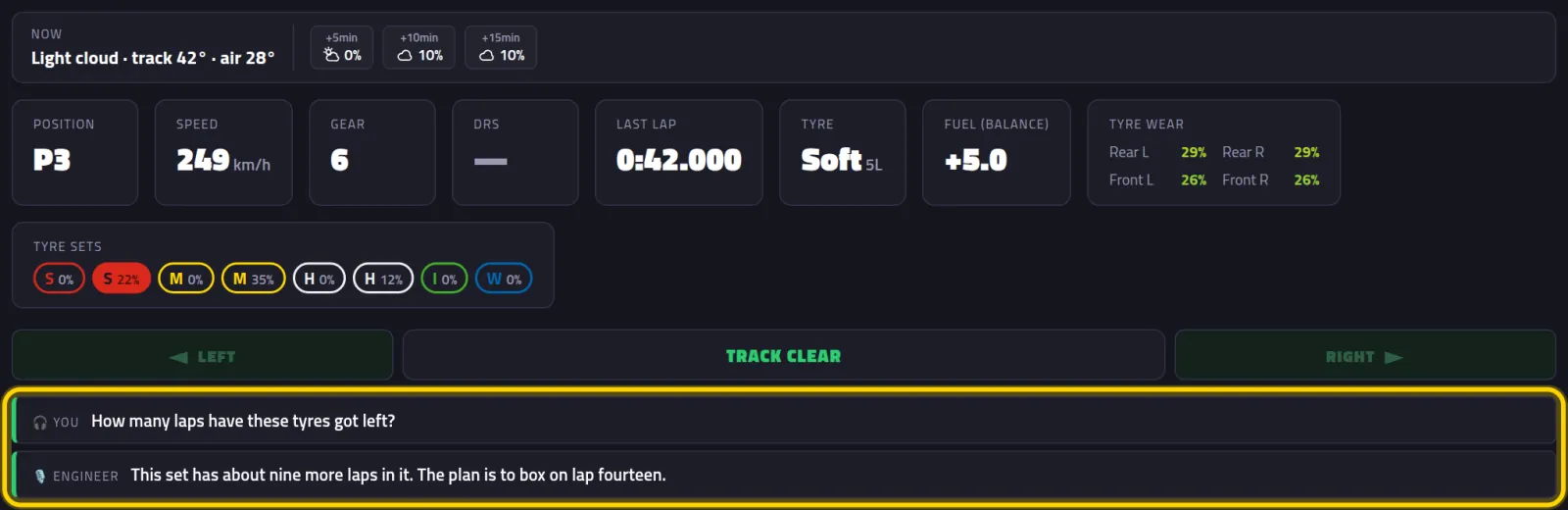 Talk to your engineer on the radioSwitch on voice questions, map the radio button on your wheel, use the free cloud, your own AI key or a local model, and ask your engineer mid-race.Open tutorial →
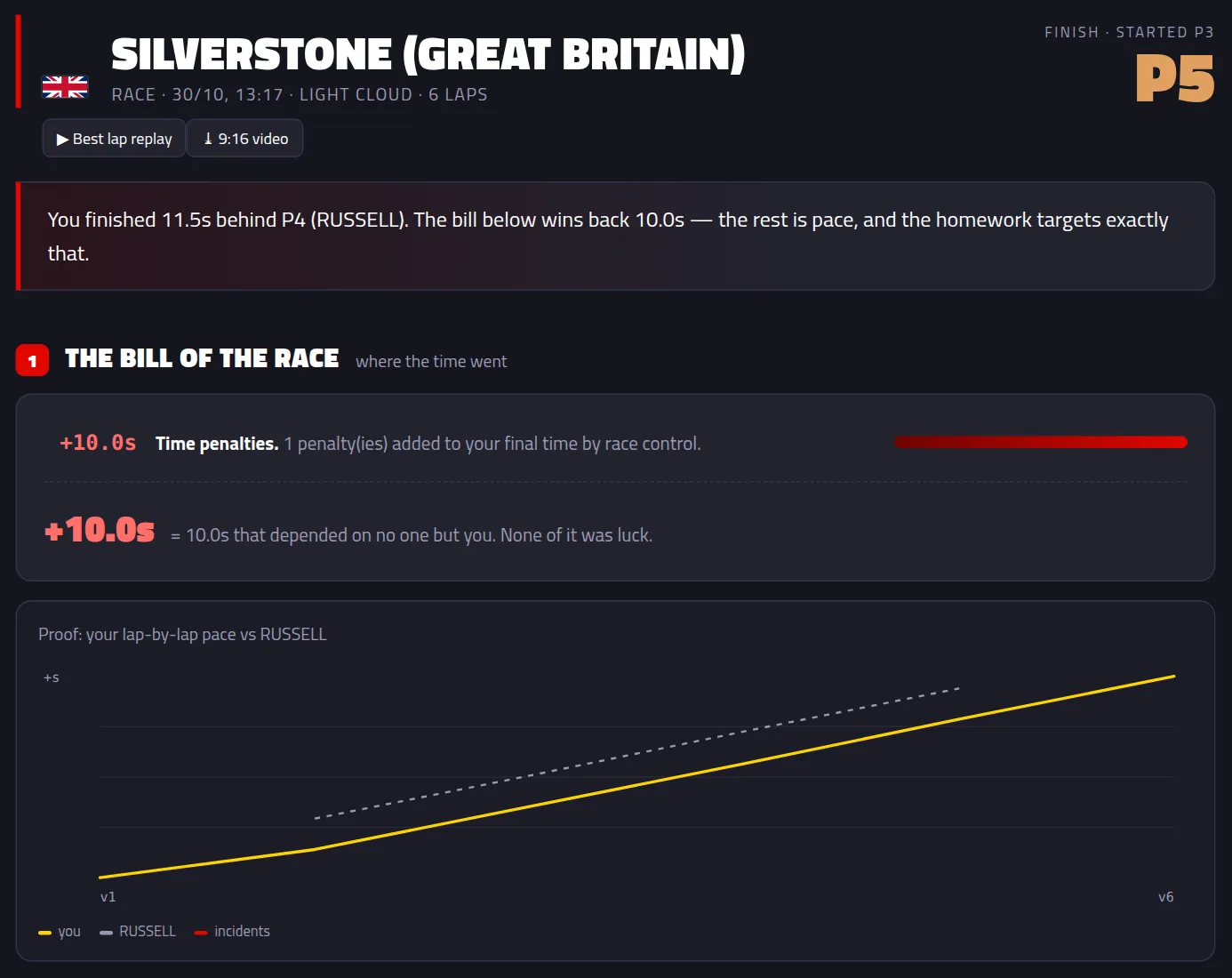 After the race: understand what happened and what to changeOpen the Debrief when the race ends, see where the time went, find the race in your history, compare corner by corner with the fastest, get the…Open tutorial →
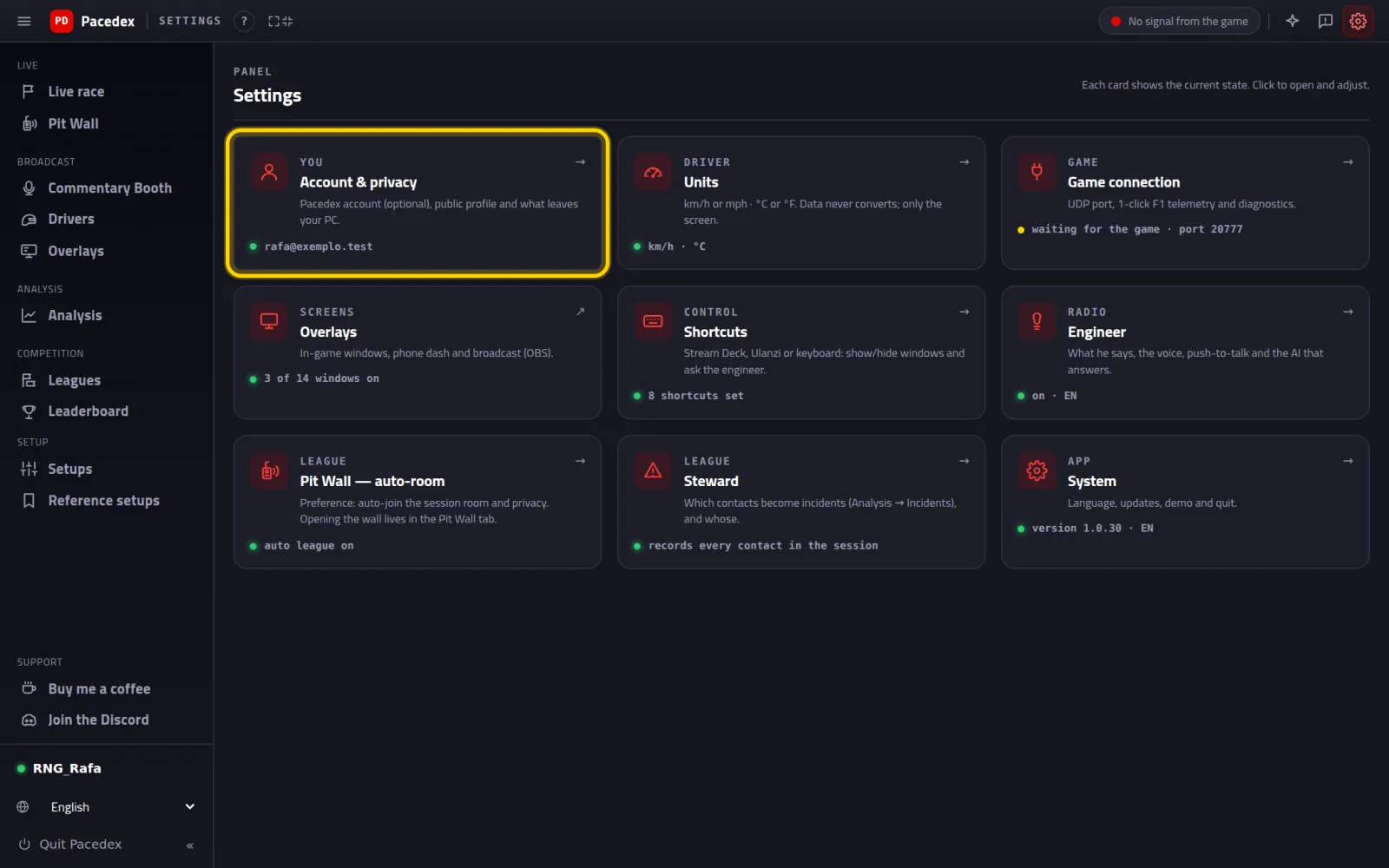 Leaderboard and Lap Challenge: put your lap on the world ranking and challenge a friendHow your best lap gets on the Pacedex world ranking, finding your position in the app and on the site, opening and comparing a faster driver's lap,…Open tutorial →
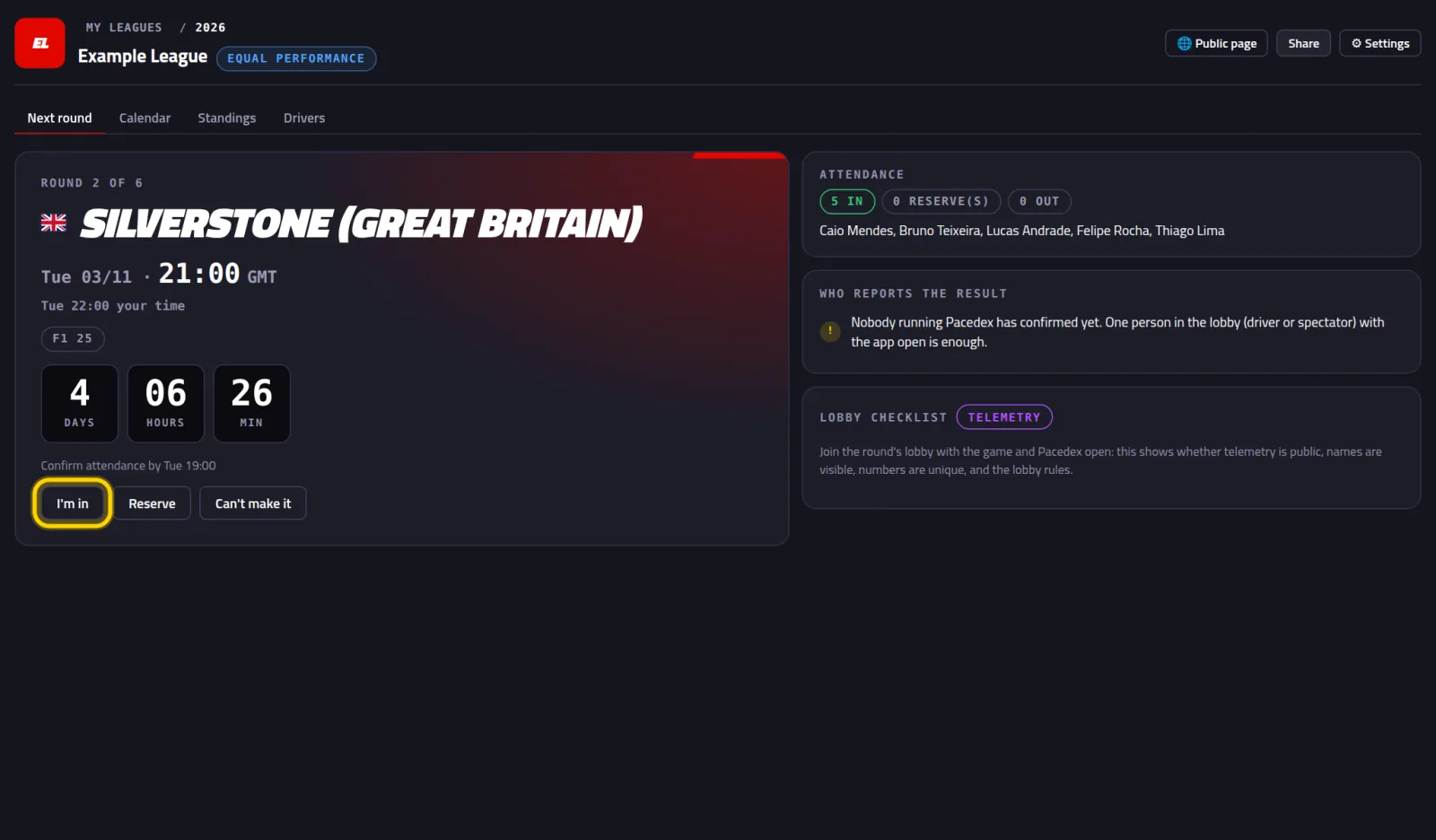 Got the league invite. Now what?Join the league with the invite code, claim your name, see the next round in your own time zone and learn how your result lands on its own.Open tutorial →
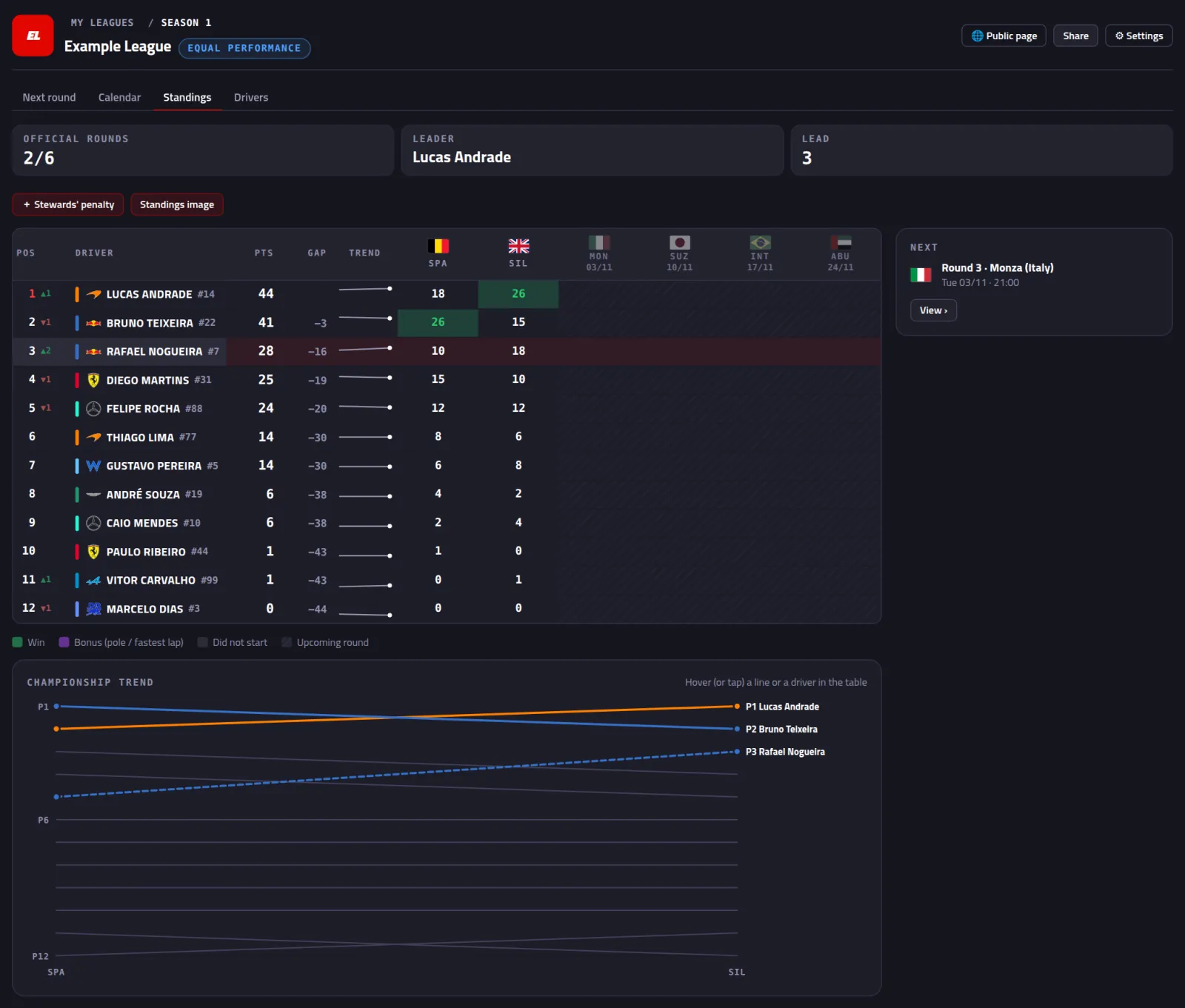 Your league, plus a race you already ranImport your drivers, create the league and its calendar, draw the cars, add a race that already happened (recorded or entered by hand) and see the…Open tutorial →
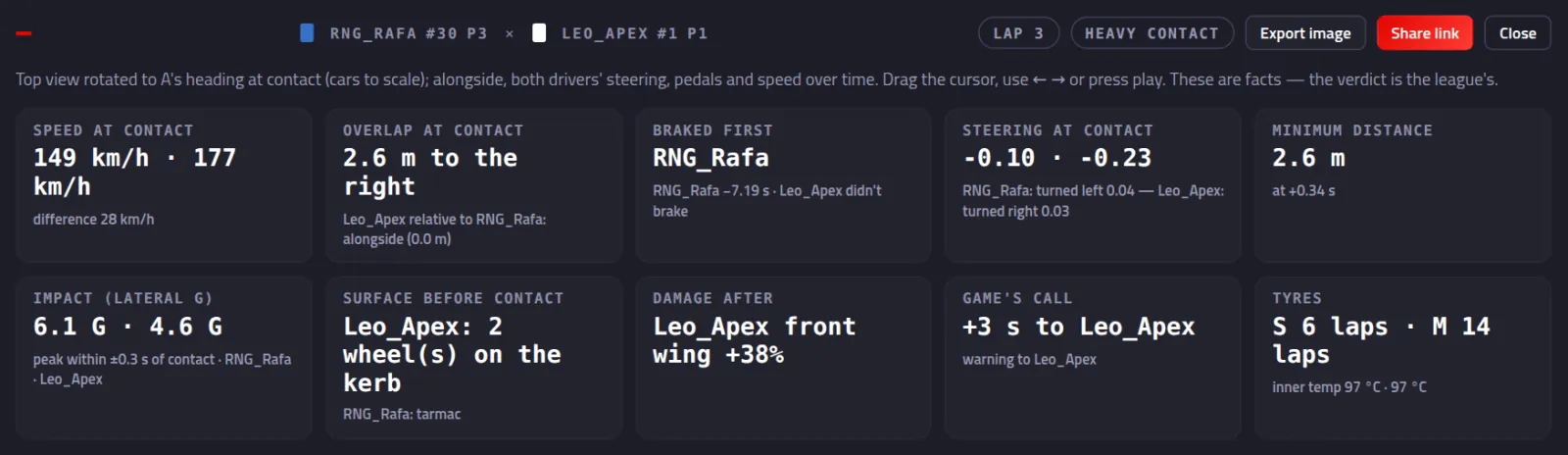 Judge a contact with both cars' telemetryA contact becomes an incident on its own or with a hotkey, you read both cars' steering, pedals and position, and send the picture or the link to…Open tutorial →
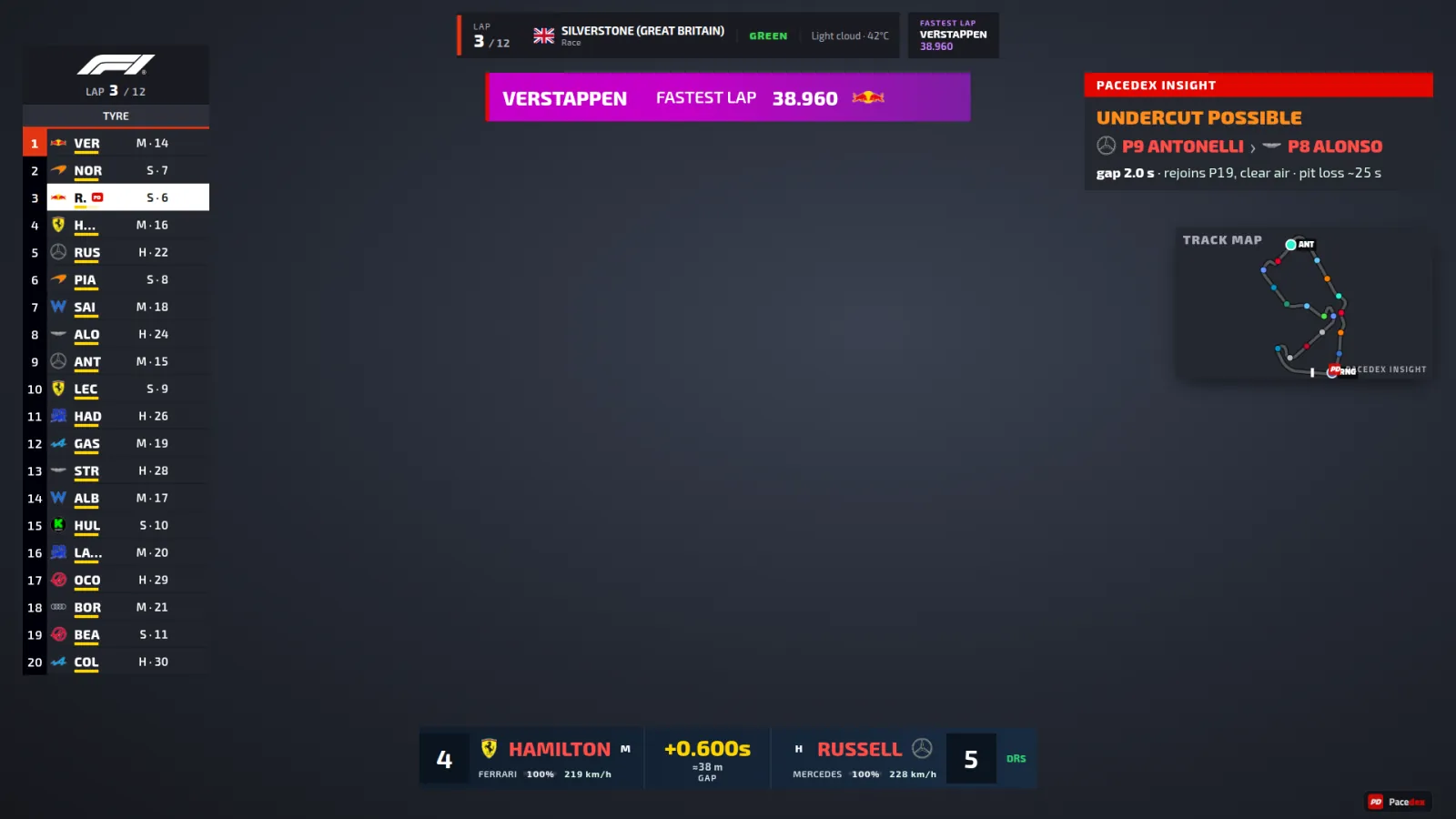 Your race, broadcast-style, in OBSCopy the Pacedex URL, add it to OBS as a 1920×1080 Browser source, pick the skin, tweak the layout and show just the tower or just the league…Open tutorial →
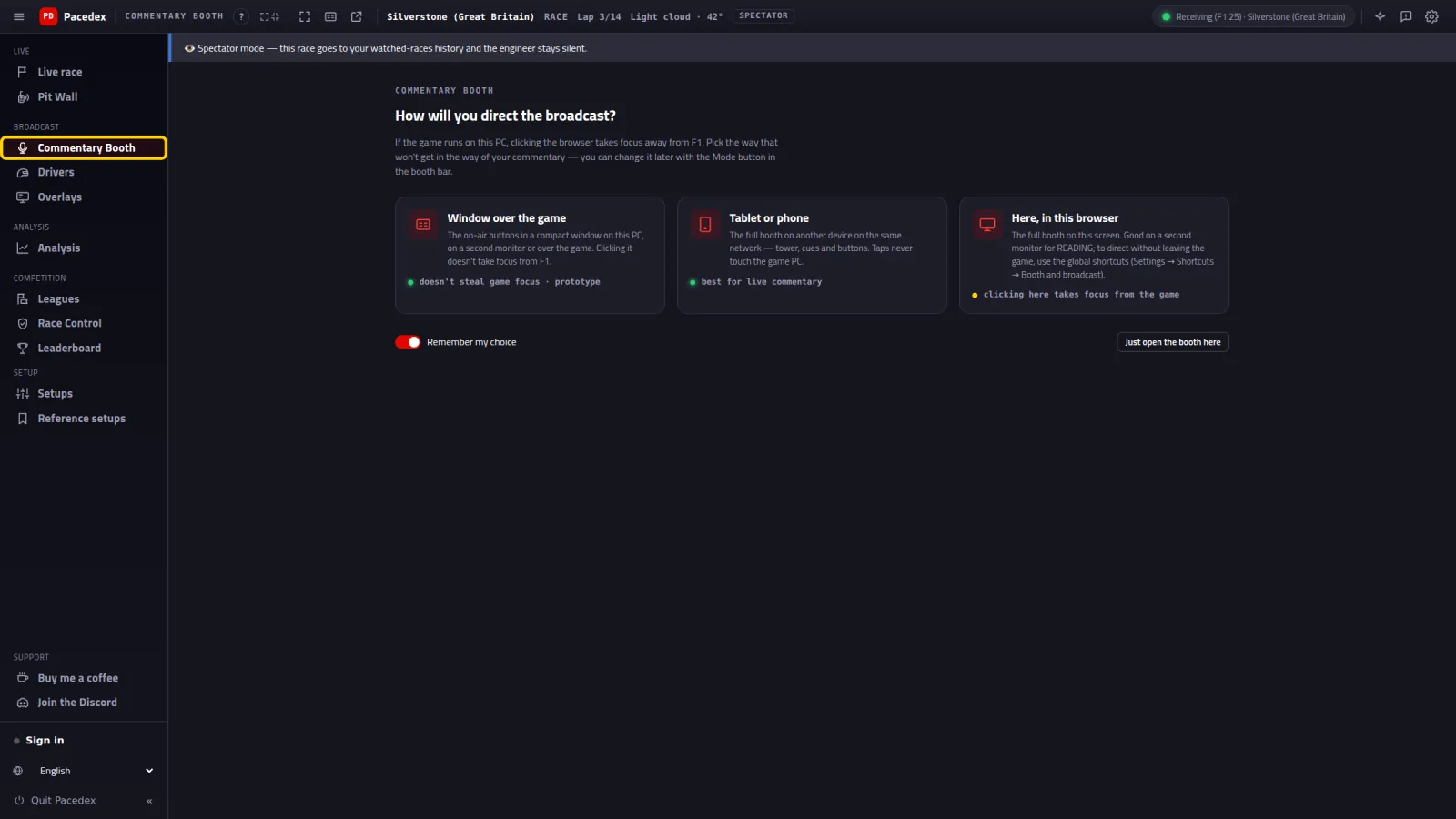 Commentate your league, booth in handOpen the Commentary Booth as a spectator, pick a window, tablet or browser, put graphics on air in one click and bring in a co-commentator from…Open tutorial →
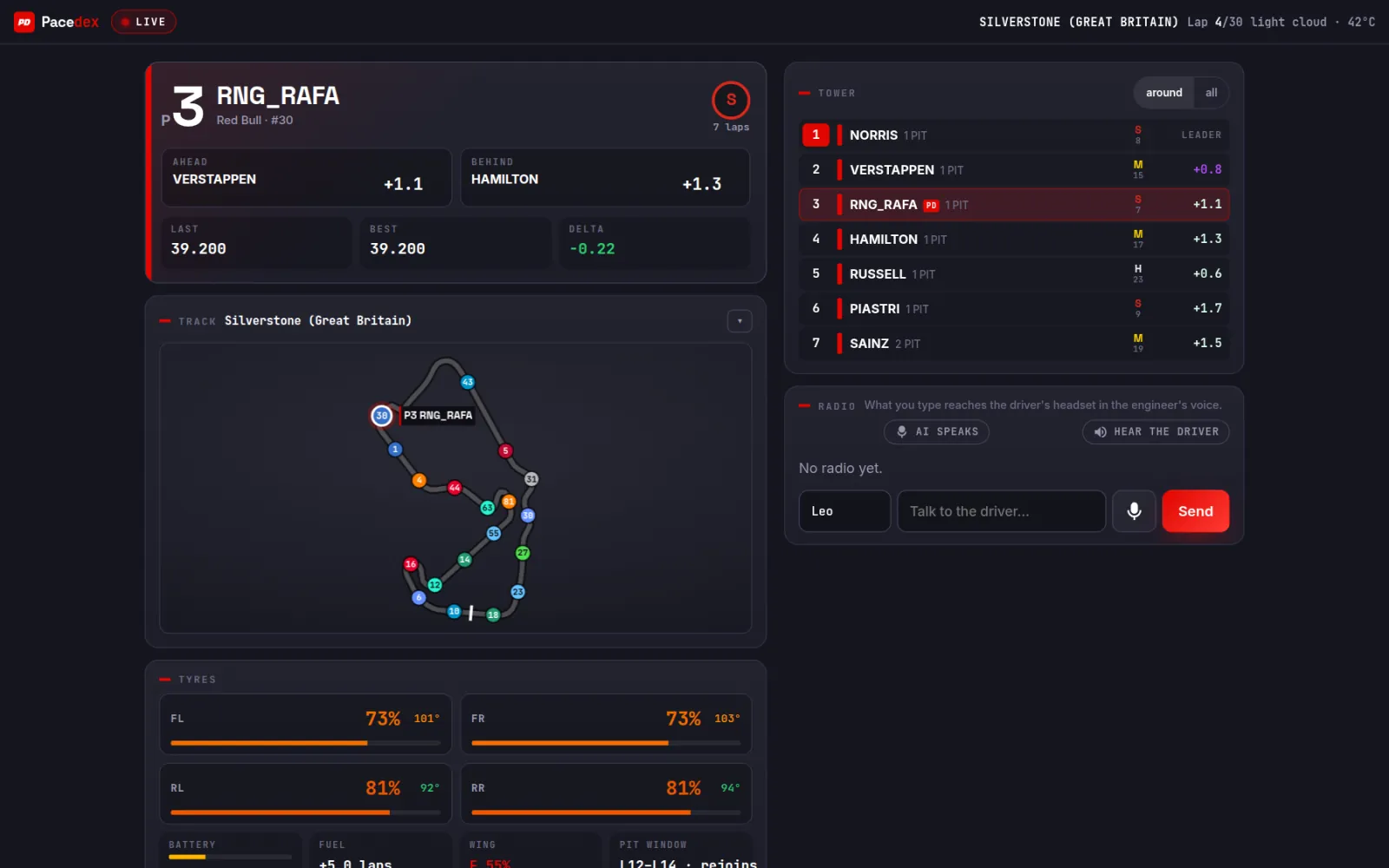 A friend as your race engineer, on your radio, from anywhereOpen your Pit Wall, send the link, and a friend watches your car live on their phone and talks to you on team radio.Open tutorial →
Learn Pacedex, one step at a time
Every tutorial shows the real screen at every step, with the yellow outline where to click. Start with the first one and follow the order — or jump straight to what you need.
Getting started
Your first race: from download to the engineer on the radioInstall Pacedex, switch the F1 game's telemetry on in 1 click, check it with the demo, hit the track and hear your race engineer.Open tutorial →
Your race dash on your phoneHook your phone up to Pacedex on your PC with a QR code, or install the Android app and send console telemetry straight to the phone.Open tutorial →
Control Pacedex without taking your hands off the wheelPut overlay windows, tower columns, the race engineer and the steward on a wheel button, a Stream Deck (F13–F24) or a console button (UDP Action).Open tutorial →
Pacedex alongside SimHub, MOZA Pit House or another PCThe F1 game sends telemetry to a single port.Open tutorial →
Go faster
Talk to your engineer on the radioSwitch on voice questions, map the radio button on your wheel, use the free cloud, your own AI key or a local model, and ask your engineer mid-race.Open tutorial →
After the race: understand what happened and what to changeOpen the Debrief when the race ends, see where the time went, find the race in your history, compare corner by corner with the fastest, get the…Open tutorial →
Leaderboard and Lap Challenge: put your lap on the world ranking and challenge a friendHow your best lap gets on the Pacedex world ranking, finding your position in the app and on the site, opening and comparing a faster driver's lap,…Open tutorial →
Leagues
Got the league invite. Now what?Join the league with the invite code, claim your name, see the next round in your own time zone and learn how your result lands on its own.Open tutorial →
Your league, plus a race you already ranImport your drivers, create the league and its calendar, draw the cars, add a race that already happened (recorded or entered by hand) and see the…Open tutorial →
Judge a contact with both cars' telemetryA contact becomes an incident on its own or with a hotkey, you read both cars' steering, pedals and position, and send the picture or the link to…Open tutorial →
Broadcast the race
Your race, broadcast-style, in OBSCopy the Pacedex URL, add it to OBS as a 1920×1080 Browser source, pick the skin, tweak the layout and show just the tower or just the league…Open tutorial →
Commentate your league, booth in handOpen the Commentary Booth as a spectator, pick a window, tablet or browser, put graphics on air in one click and bring in a co-commentator from…Open tutorial →
A friend as your race engineer, on your radio, from anywhereOpen your Pit Wall, send the link, and a friend watches your car live on their phone and talks to you on team radio.Open tutorial →
Didn't find what you were looking for?
Ask on our Discord — and we'll write the next tutorial.
Free download · Windows →